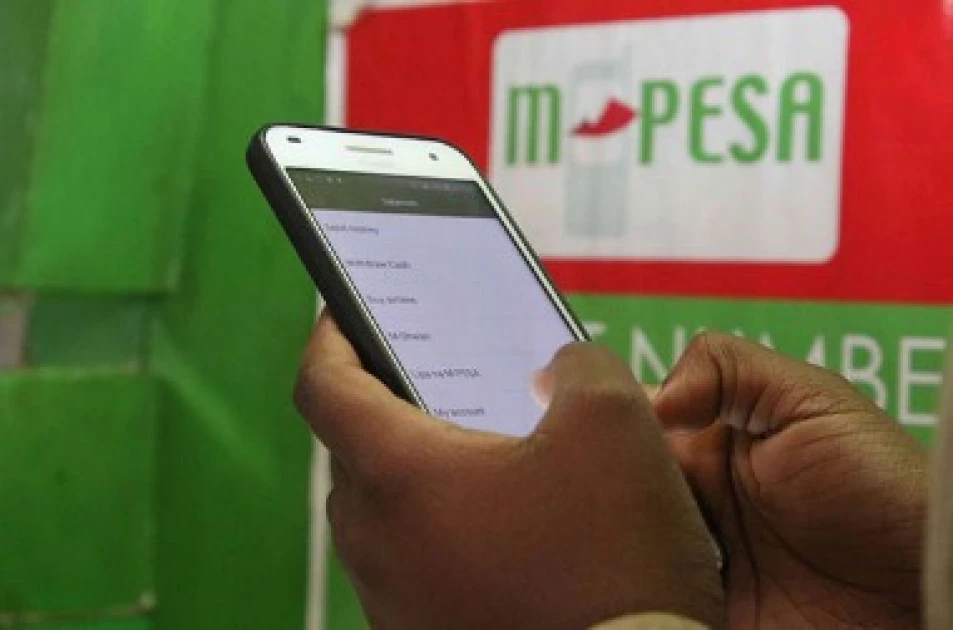
Following new privacy measures by Safaricom, M-PESA users can no longer view a sender’s full phone number, as digits are now partially hidden in transaction messages.
The change has sparked concern, particularly among business owners who rely on complete details to resolve payment discrepancies when customers send incorrect amounts.
To address this, Safaricom has outlined a verification process. Users can confirm a sender’s identity by forwarding the transaction confirmation SMS to 334 within 24 hours of receiving the money, triggering a request to access the full number.
Typically, the confirmation message only displays partial details, showing the sender’s name and a masked phone number. Once the message is forwarded, the recipient receives an acknowledgement indicating the request is being processed, usually within a couple of hours.
Also Read: Gov’t Dismisses Fuel Shortage Fears as Export Losses Hit KSh1Bn Weekly
The system then alerts the sender, asking them to approve or decline the request to share their full number. If consent is granted, the recipient is sent a follow-up message containing the complete contact details, effectively completing the verification process.
Alongside this, Safaricom has defended its new “Hakikisha” feature, which prompts users to double-check a recipient’s number before sending money. The company says the feature is a security safeguard aimed at reducing mistaken transactions and, at present, cannot be switched off.
Some users have also raised concerns about the feature being rolled out selectively, though the company has yet to clarify why it is not available to all customers.